Mark Up Inspection Photos Before You Submit
Circle damage, draw arrows, and add text labels right on a captured photo before it goes in the report. New photo annotation in MobileForm.
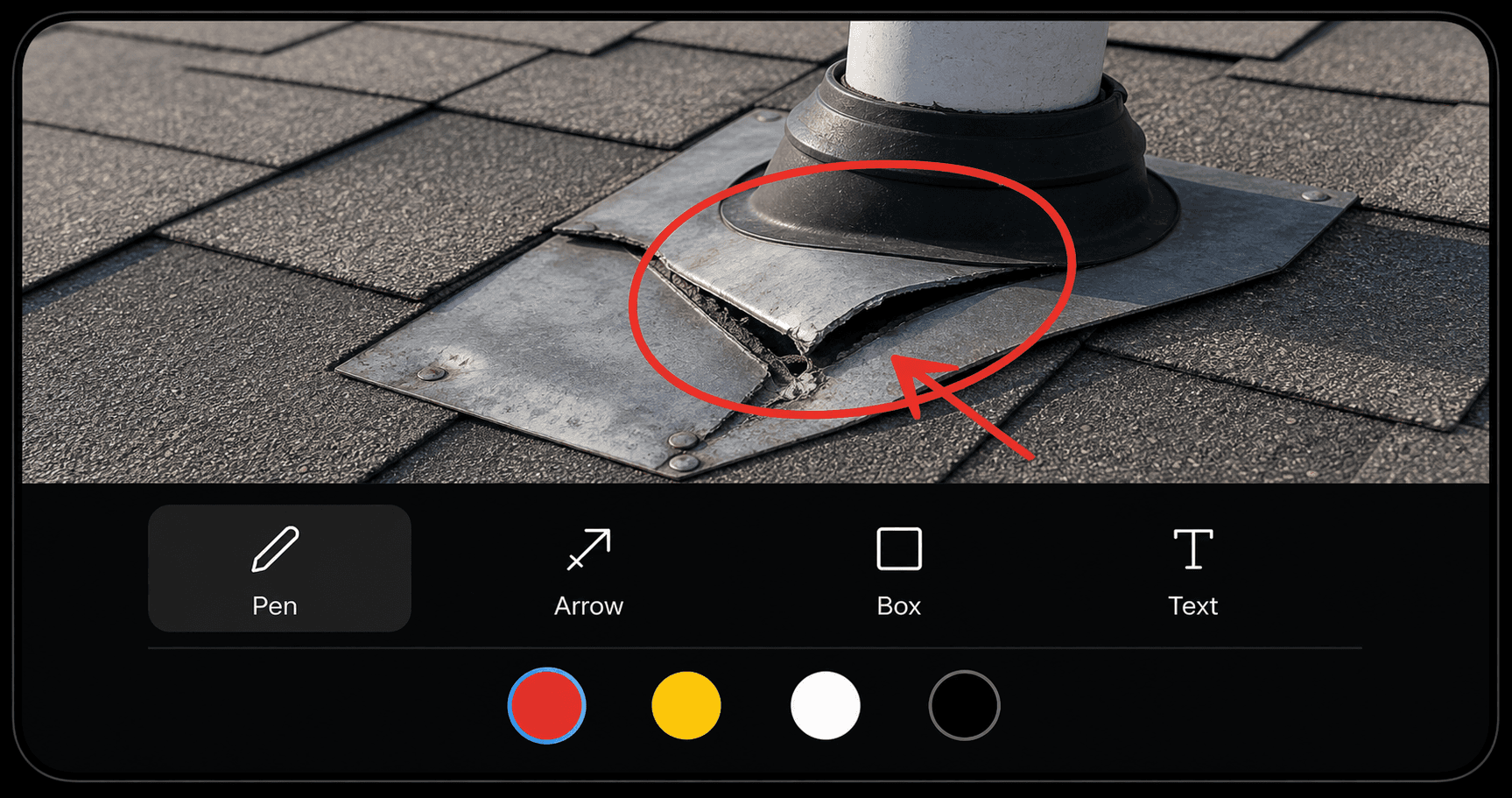
The Problem: "The Crack Is Top-Left, See the Photo"
A roofer photographs a damaged vent boot from ten feet back, because that is the only angle that fits the whole roof in frame. Back at the office, the photo shows a roof. Where is the damage? The crew member knew on site. The report does not.
Field photos lose their context the moment they leave the field. A note that says the crack is in the top-left only helps if someone can match the words to the right photo. Annotation puts the explanation on the image itself.
What It Does
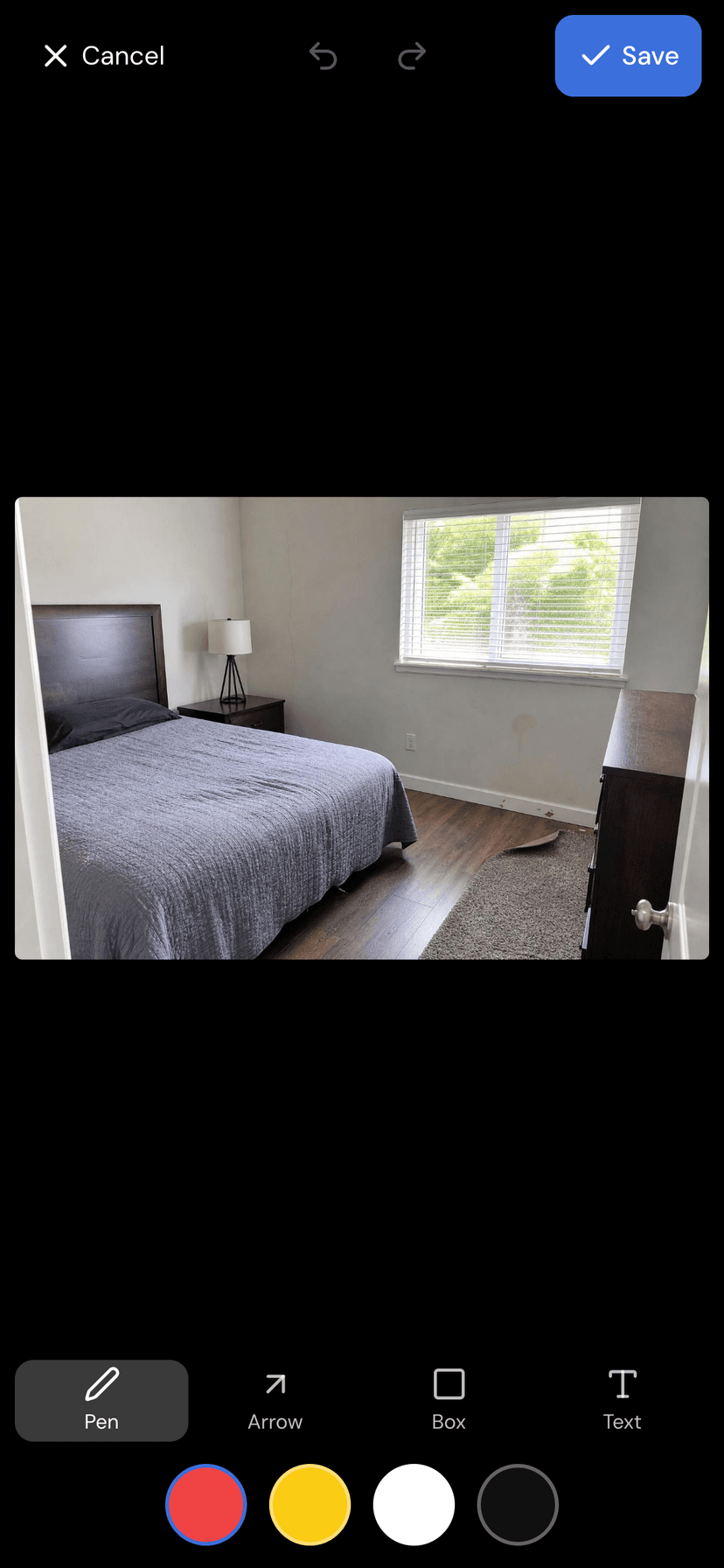
Every photo you capture in a form now has an annotate button. Tap it and the photo opens full screen with a small toolbar:
- Pen for freehand circles and underlines.
- Arrow to point straight at the thing that matters.
- Box to frame an area.
- Text to drop a short label, like Cracked or Replace.
Four high-contrast colors (red, yellow, white, black) keep marks visible against any background, and undo and redo are right there if a line goes wrong.
How to Use It
- Capture or pick a photo in any photo field.
- Tap the annotate button on that photo.
- Pick a tool and a color, then draw on the image. Add a text label if a word makes it clearer.
- Tap Save.
That is it. The markup is now part of the photo.
Saved Into the Photo, Works Offline
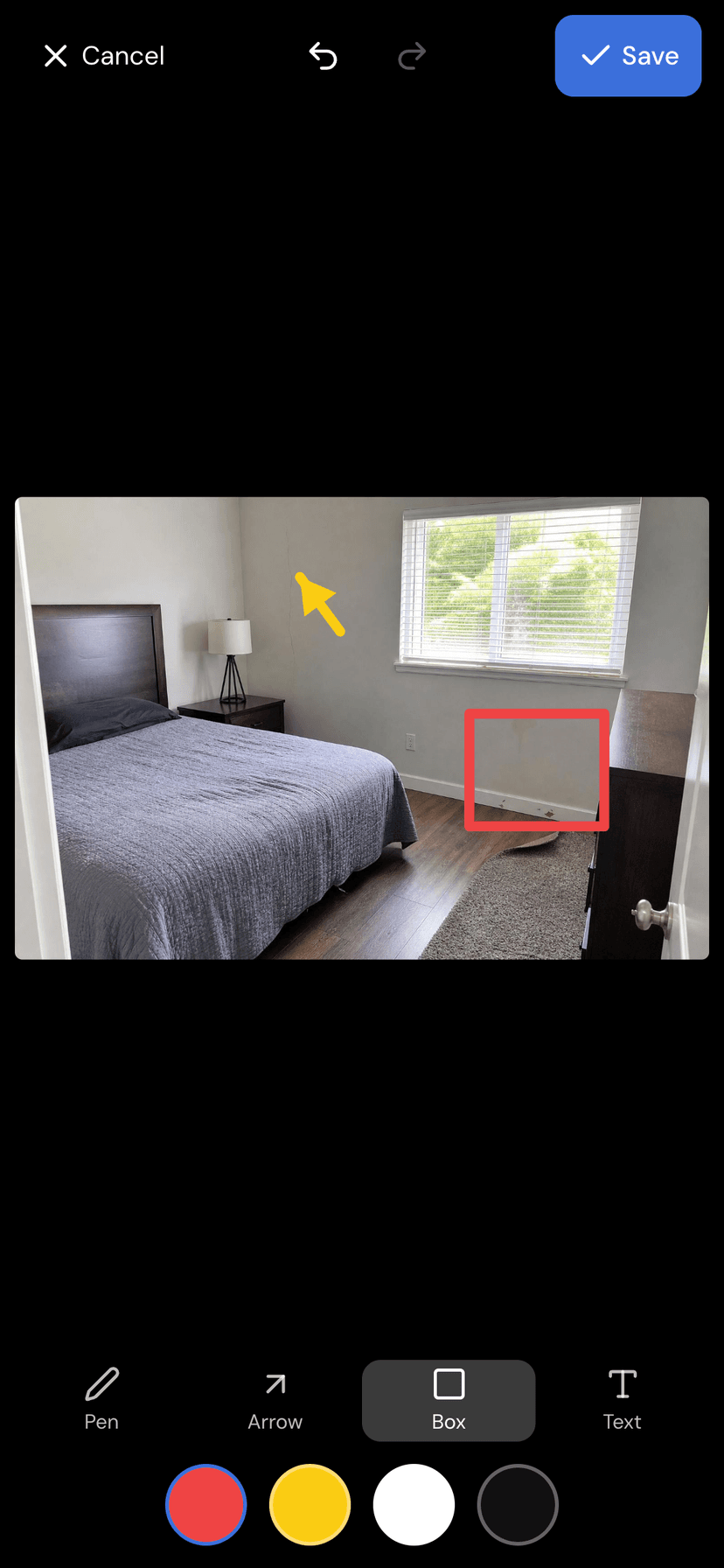
When you save, the annotation is flattened into the image. There is no separate layer to manage and nothing that can come unstuck later. The marked-up photo is the photo. It appears exactly as you drew it in the PDF report and in the client share view, and the whole thing works with no connection, the same as the rest of MobileForm.
One note: annotation works on photos captured on the device. A photo that has already synced and is being viewed from the cloud is shown as-is.
Get Started
Photo annotation is on for every photo field, on every plan, right now. Open a form, take a photo, and tap the annotate button. Your reports stop saying "see photo" and start showing exactly what you mean.
Ready to try MobileForm?
Free offline form builder for field teams. No app install needed.
Get started freeMore from the blog
Offline Form Capture for Roofing Site Surveys: A Practical Guide
How roofing contractors can capture site survey data, photos, and measurements offline, then sync everything when back at the office.
Industry5 Best Practices for Digital Construction Site Inspections
Improve your construction inspections with digital forms, photo documentation, and GPS tracking. Practical tips for site managers and inspectors.