MobileForm vs Google Forms: Which Is Better for Field Work?
Google Forms is great for online surveys but falls short for field data collection. Here's a detailed comparison for teams that work offline.
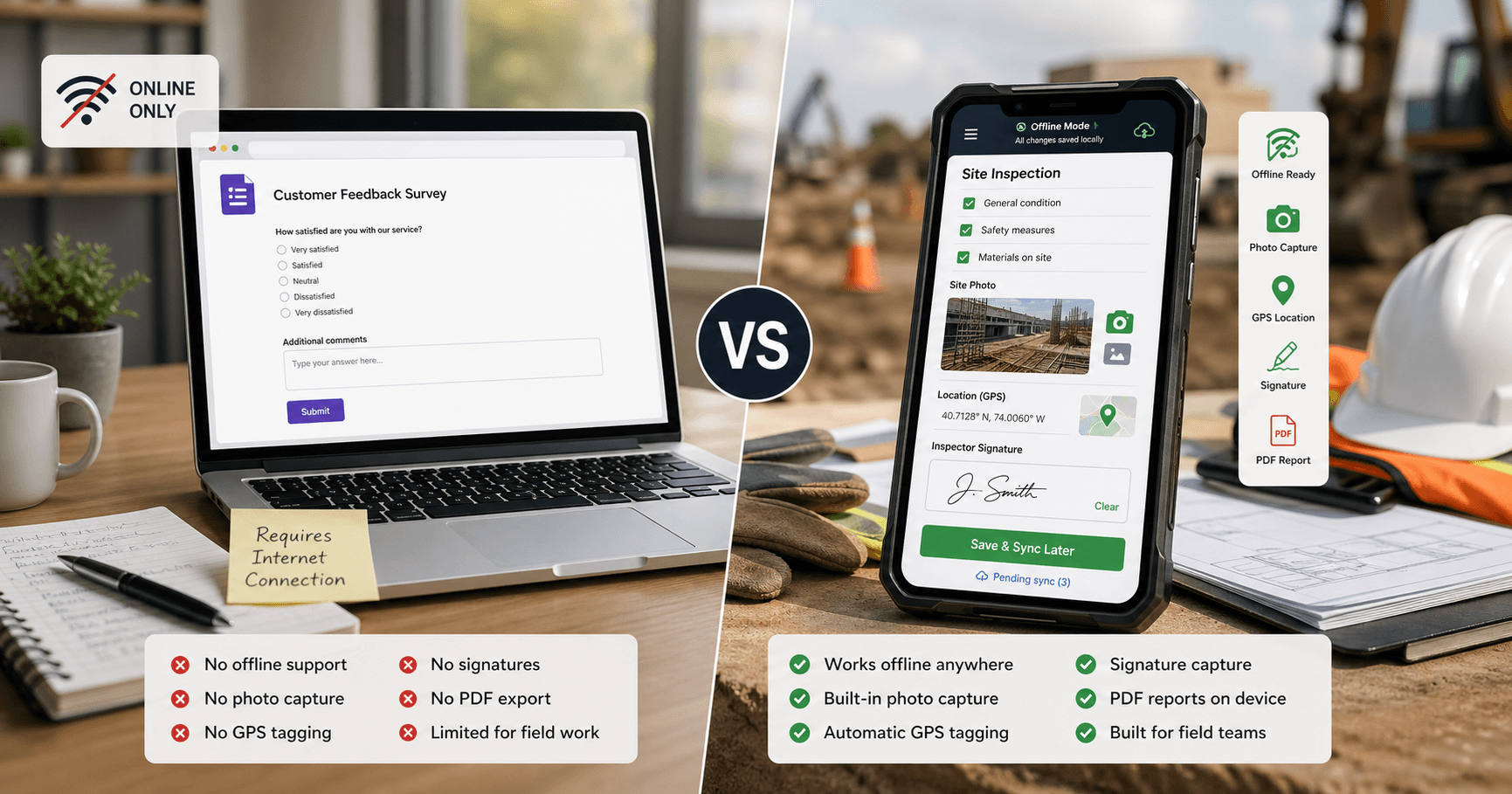
Google Forms: Great for Online, Broken for Field Work
Google Forms is one of the most popular form tools in the world — and for good reason. It's free, simple, and works perfectly for online surveys, RSVPs, and feedback forms.
But if your team works in the field, Google Forms has critical gaps:
- No offline support: Google Forms requires an internet connection to load and submit. No signal = no data collection.
- Photos use file uploads: Google Forms can collect uploaded images while connected. MobileForm provides photo fields designed for capture during an offline job.
- No GPS tagging: Google Forms doesn't capture location coordinates.
- No signatures: There's no built-in signature field.
- Different report workflow: Google Forms supports printing responses. MobileForm generates a job report with the captured photos and signatures.
- Not mobile-optimized for field use: While responsive, Google Forms wasn't designed for one-handed use on a construction site or in the rain.
For office-based data collection, Google Forms is hard to beat. For field work, it's the wrong tool.
Feature-by-Feature Comparison
| Feature | MobileForm | Google Forms |
|---|---|---|
| Offline mode | Full offline (PWA) | No offline support |
| Photo capture | Built-in with compression | File upload only (requires internet) |
| GPS tagging | GPS fields with device permission | Not available |
| Signatures | Built-in signature pad | Not available |
| PDF/report output | On-device job reports | Print responses |
| Form builder | Simple field picker | Drag-and-drop |
| Conditional logic | Show/hide rules on paid plans | Advanced skip logic |
| Integrations | Excel export; Google Sheets live sync on Pro and Team | Google Sheets, extensive ecosystem |
| Collaboration | Team workspaces | Google Workspace sharing |
| Price | Free tier (3 forms, 50 subs/mo) | Free (unlimited) |
| Responses storage | Cloud + offline cache | Google Sheets |
When to Use Google Forms
Google Forms is the better choice when:
- Your respondents are always online (customer surveys, event registrations, feedback forms)
- You need advanced integrations with Google Workspace (Sheets, Drive, Calendar)
- You need complex conditional logic with multiple branching paths
- You have unlimited submissions and don't want to think about quotas
- Your forms are simple text-based surveys without photos, GPS, or signatures
If your data collection happens at a desk with Wi-Fi, Google Forms is excellent and free.
When to Use MobileForm
MobileForm is the better choice when:
- Your team works in the field — construction sites, farms, remote areas
- You need offline support — data collection must work without internet
- You need photo documentation — built-in camera capture with compression
- You need GPS tracking — know where each submission was collected
- You need signatures — on-screen sign-offs and approvals
- You need PDF reports — generate professional reports on-device
- You want no app installation — MobileForm works in any browser as a PWA
For an example with job details and customer sign-off, explore field service reports. The Google Sheets sync guide explains how submitted records become spreadsheet rows on paid plans.
Google documents its response and printing options in View and manage form responses.
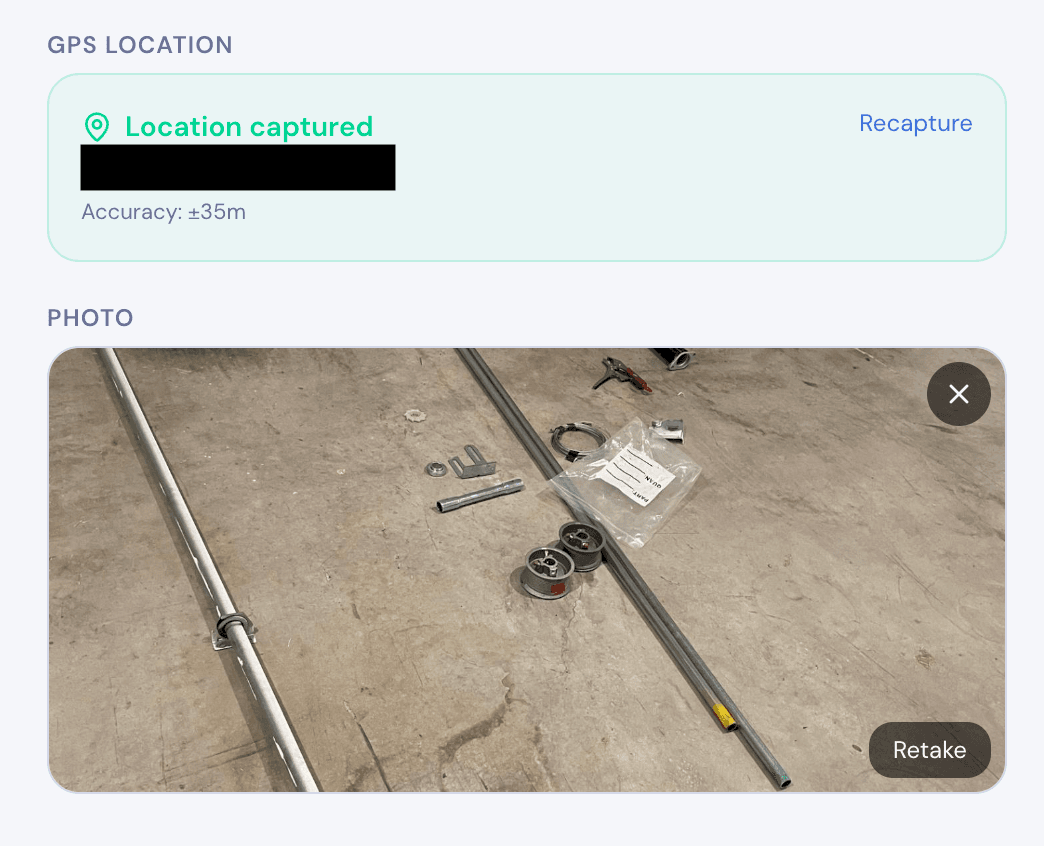
Ready to try MobileForm?
Free offline form builder for field teams. No app install needed.
Get started freeMore from the blog
Live Sync to Google Sheets: Every Submission, a New Row
Sync every MobileForm submission to Google Sheets automatically, with field values, timestamps, reference IDs, and retry handling for reports.
GuideHow to Collect Field Data Without Internet in 2026
How offline field data collection apps work, why they matter for remote teams, and how to set up a workflow that syncs when crews reconnect.