Dispatch Inspections to Your Field Crew: New in MobileForm
Send forms to field workers, prefill dispatcher-only fields, and track jobs with offline submit, cancellation, reassignment, and email and phone notifications.
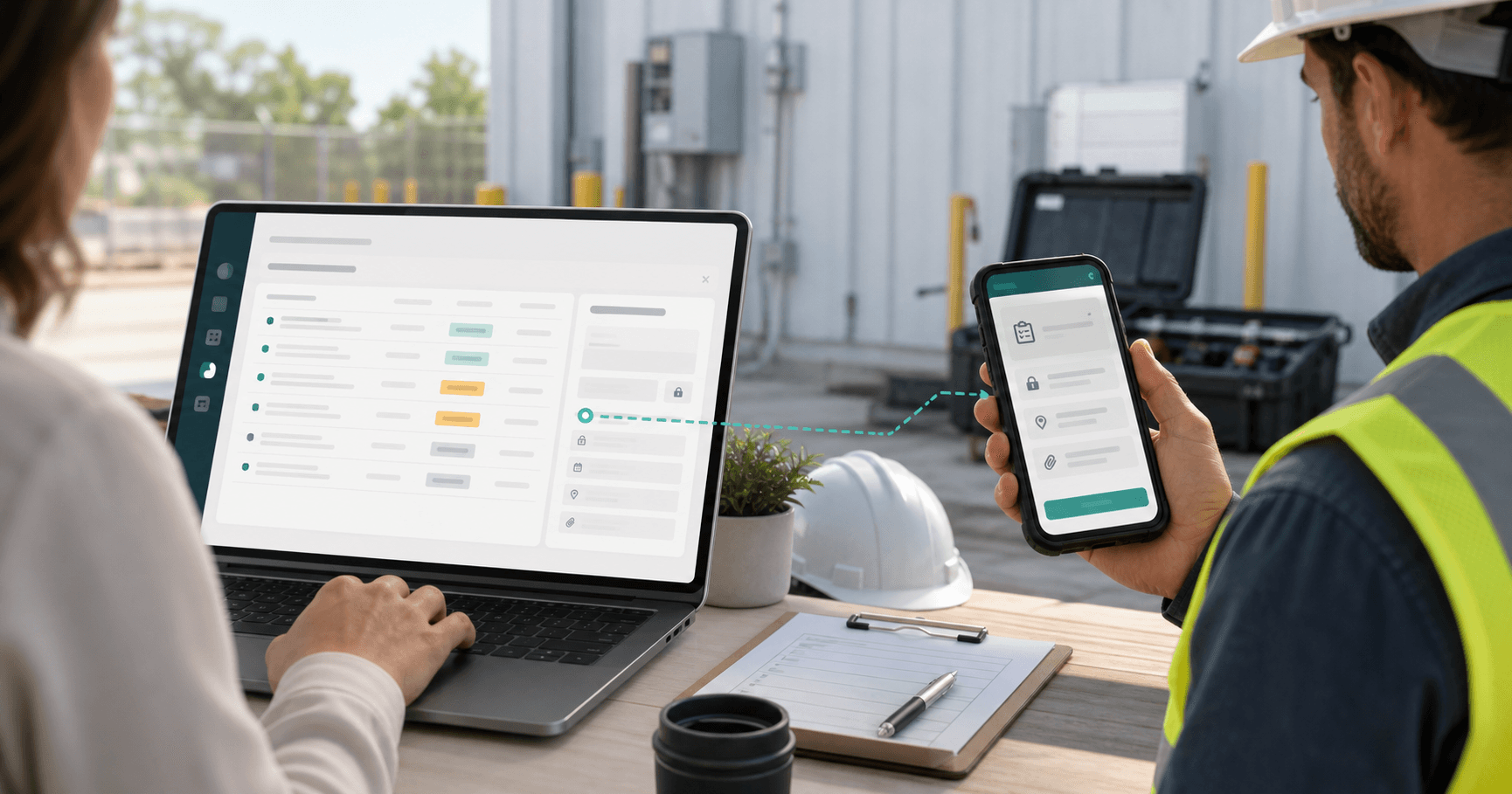
The Problem: Texting "Can You Do This One?" All Day
Most small field-ops teams coordinate work the same way. The dispatcher (often the owner) decides who is doing what each morning. The crew finds out by text message, a Slack ping, a phone call, or a Post-it on the truck dashboard. By lunchtime nobody is sure which jobs are done, which are in progress, and which got missed because the message got buried.
The form itself usually still works fine. It is the coordination layer around the form that is broken: who is doing it, what was prefilled before they started, and whether it actually came back.
Dispatch and Assignment is that coordination layer, built directly into MobileForm.
What It Does
From one screen, you pick a form, add a row per teammate, optionally prefill any field that should be the same for that job (site address, asset ID, due date), and create the assignments in one click. Each assignee gets:
- An email with a direct link to the form, prefilled and ready to start.
- A phone notification, "New job," if they turned notifications on in Settings. On iPhone, that works from the home screen app.
- A new Inbox item in MobileForm with a count badge on the sidebar and the bottom nav.
- A fill page where the prefilled fields render read-only with a "Set by dispatcher" hint, so they cannot accidentally edit the address you locked in.
You stay in control of every assignment from a single Assignments page: see who has what, who is overdue, who completed already, and cancel or reassign any job that needs to move.
Dispatcher Walkthrough
- Open Assignments from the sidebar. (You only see this if you are on the Team plan.)
- Click "New assignments." Pick the form you want to dispatch.
- Add a row for each teammate. Pick the assignee, set a due date, and prefill any fields that should be the same for that worker on that job. Common prefills: site address, work order number, asset ID, customer name. A short text field becomes locked the moment you save it; a multi-photo field stays open for the field worker to capture on-site.
- Click "Create N assignments." Every row goes out as a separate, independently-tracked assignment. Each assignee gets an email immediately, plus a phone notification if they turned notifications on.
- Track from one place. The Assignments page lists every job with status (Assigned, Submitted, Cancelled), assignee, dispatcher, and due date. Tap any row to reassign it, cancel it, or view the completed submission.
Field Worker Walkthrough
Your field crew never has to know what "dispatch" means. From their side it looks like this:
- An email arrives with the form name, due date, a preview of what was prefilled, and an "Open assignment" button. If they turned notifications on, their phone also shows "New job" with who sent it and when it's due, in their own time zone. Tapping it opens the job.
- Tap the button. The MobileForm app opens straight to the form, prefilled fields already filled, locked fields visibly disabled with a small lock icon.
- Fill the rest. Photos, signatures, measurements, GPS, whatever the form asks for.
- Tap Submit. Back to the inbox. The job is gone from their list. The dispatcher sees it move to Submitted instantly.
The sidebar Inbox entry has an amber count badge so they always know how many jobs are waiting. On phones it sits in the bottom nav for one-tap access.
Share Dispatch with a Co-Manager
The simplest setup is one owner who dispatches and a crew that fills. But many ops teams have a second person who should also be sending jobs out, a foreman, an office coordinator, a second shift lead. You can invite that person as an admin at no extra cost.
Admins can do everything an owner can on the dispatch side:
- Pre-fill and send out new assignments.
- See every team assignment, not just the ones they personally sent.
- Cancel or reassign any job, even ones the owner created.
- Invite and remove field workers.
Admins cannot touch billing, change the subscription, or promote other people to admin. That stays with the owner.
To invite a co-manager, go to the Team page, type their email, pick Admin from the role dropdown, and send. They sign up for a free account and gain dispatch access the next time they log in. Admin access is included in your existing Team plan, no per-seat charge.
Typical setups we see:
- One owner plus one operations coordinator dispatching together.
- A morning dispatcher and an evening dispatcher splitting shift coverage.
- A field-going owner who keeps the books, plus an office admin who runs the daily queue.
Built to Work Offline
Field-ops happens in basements, attics, pipeline right-of-ways, and parking garages. We designed every step of Dispatch and Assignment around losing signal mid-job.
- The assignment caches locally the first time the worker opens it online. After that, they can re-open it in airplane mode and fill it normally.
- Submit while offline queues the job locally. The toast reads "Submission queued. It will send when you reconnect." When the phone gets signal back, the queue drains automatically and the dispatcher sees Submitted.
- If the dispatcher cancelled the job while the worker was filling it offline, the next sync surfaces a clear message: "This assignment was cancelled by the dispatcher." No silent data loss, no confusion.
- If the dispatcher reassigned the job to someone else, the original assignee’s local copy clears and the new assignee gets a fresh email and phone notification with the same prefilled context.
Who This Is For
Dispatch and Assignment is built for small field-ops teams that look like this:
- One or two people decide what gets done. The owner alone, or the owner plus a co-manager invited as an admin.
- Two to twenty people in the field do the actual work.
- Every job involves the same form (a daily inspection, a service ticket, a QC checklist, a delivery confirmation), filled out at a different site each time.
If you are a feedstock QC team running daily lot inspections, an HVAC shop dispatching service calls, a pipeline survey crew capturing offline leak surveys, or a roofing inspector sending crews to job sites, this is the workflow you have been doing by text message.
See the full field service report workflow, or start with a free work order template for job details, parts, labor, and sign-off.
Pricing
Dispatch and Assignment is part of the Team plan.
- $42/month, or $35/month billed yearly ($420/year, two months free).
- Unlimited field workers included. Your crew does not need their own paid seat to receive and complete assignments. They just need a free MobileForm account so we know where to send the email.
- Everything in the Pro plan (unlimited forms and submissions, client share links, custom PDF branding, Google Sheets live sync) is included.
Existing Team subscribers stay at their current rate. Only new sign-ups are billed at $42.
Get Started
If you already have a MobileForm Team subscription, Assignments is in your sidebar now.
If you are still on the Free or Pro plan and your team has outgrown "text the crew the form link":
- Upgrade to Team from the pricing page.
- Invite your field workers from the Team page. They sign up for free accounts; no payment from them, no extra seats from you. If a co-manager should also dispatch, invite them with the role set to Admin from the same form.
- Create your first assignment. Pick the form, add a row per worker, set the due date, hit Create.
Ready to try MobileForm?
Free offline form builder for field teams. No app install needed.
Get started freeMore from the blog
Form Groups: Fill Multiple Linked Forms in One Site Visit
Link a main form to related check forms, reuse shared fields, guide crews through one site visit, and export the whole set as a PDF bundle.
FeatureLive Sync to Google Sheets: Every Submission, a New Row
Sync every MobileForm submission to Google Sheets automatically, with field values, timestamps, reference IDs, and retry handling for reports.